One workspace,everything you need in one place.
Whether you're drowning in raw footage, manually clipping for each platform, or waiting on editors to repurpose one video—PodCut brings it all into one place.

Join 1,000+ others on the waitlist
Cut edit time from hours to moments.
PodCut handles editing, color correction, and audio. It learns your style with every piece of content.
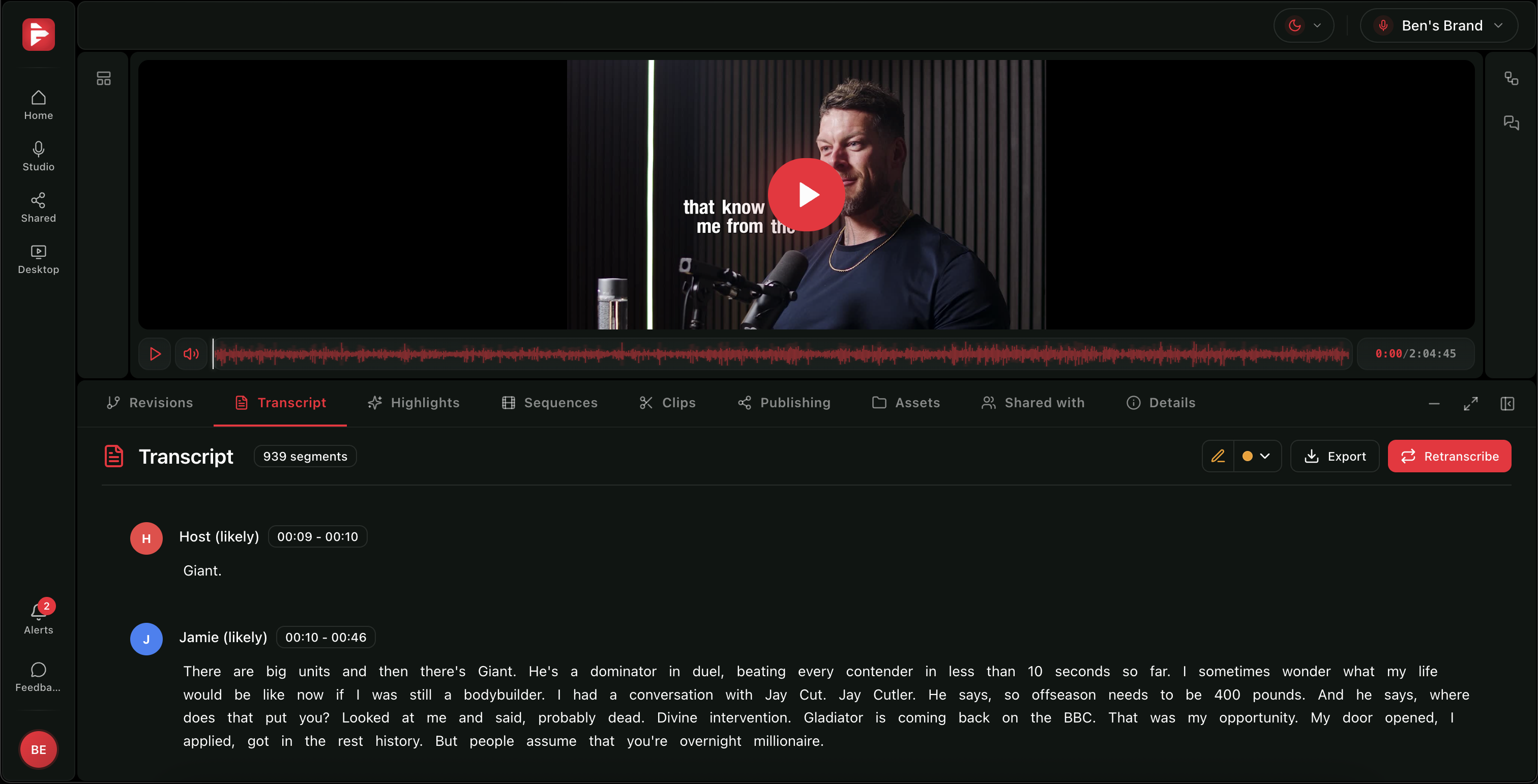
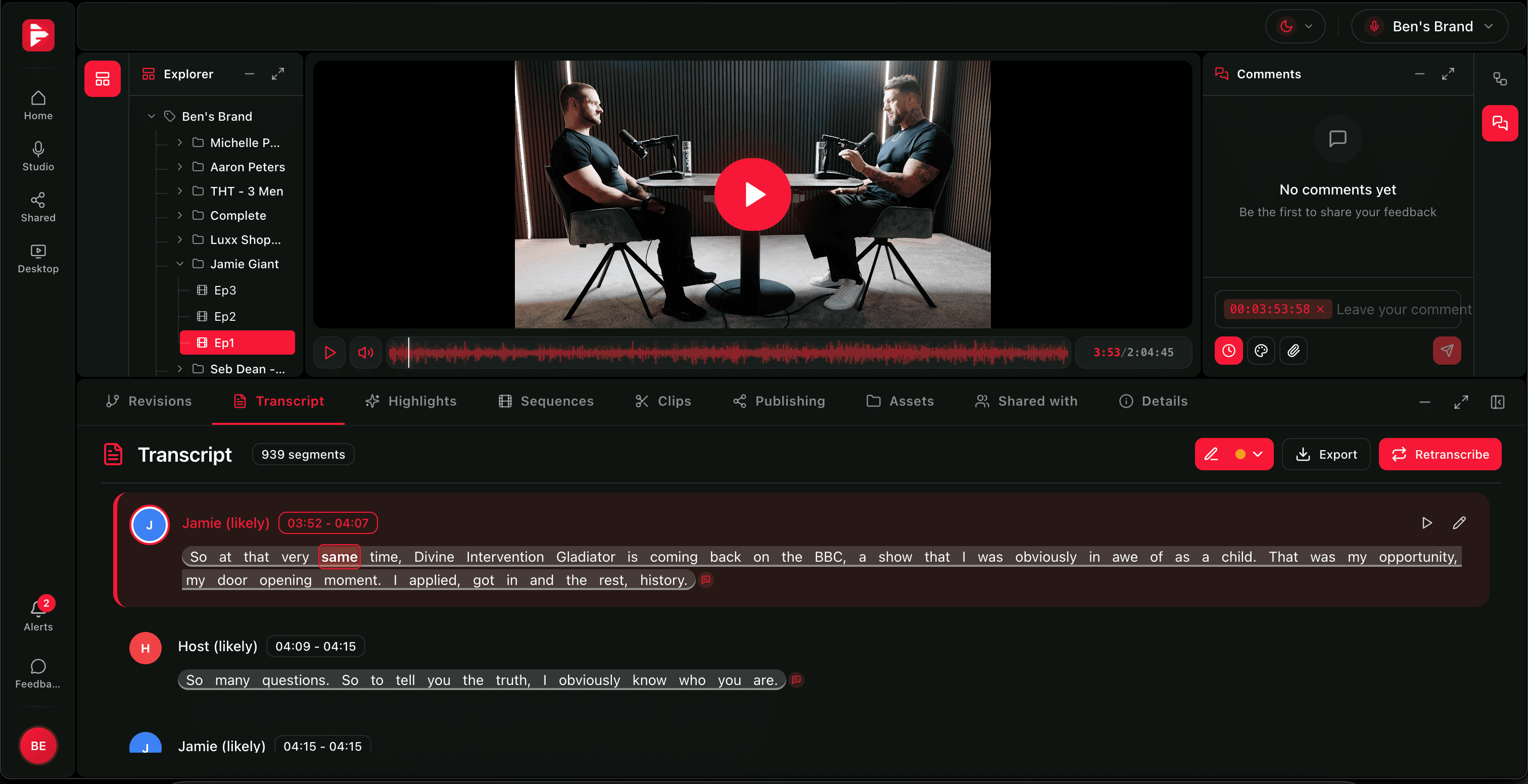
Accurate transcripts, ready to edit and search.
Get word-level transcription for every recording. Search, edit, and use captions from one place.
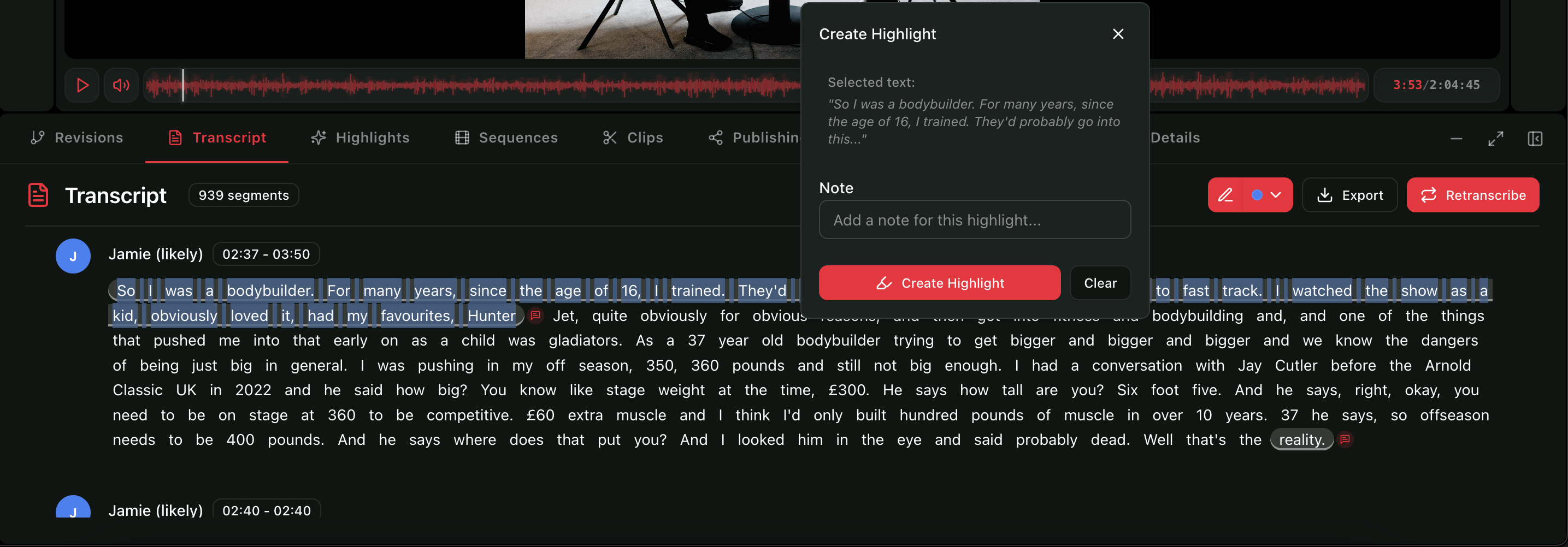
Highlight your favourite moments.
Use the text highlighter to mark favourite sentence sections as you review the transcript.

Edit the transcript when you need to.
Fix wording, speaker labels, or timestamps directly in the transcript before generating clips.
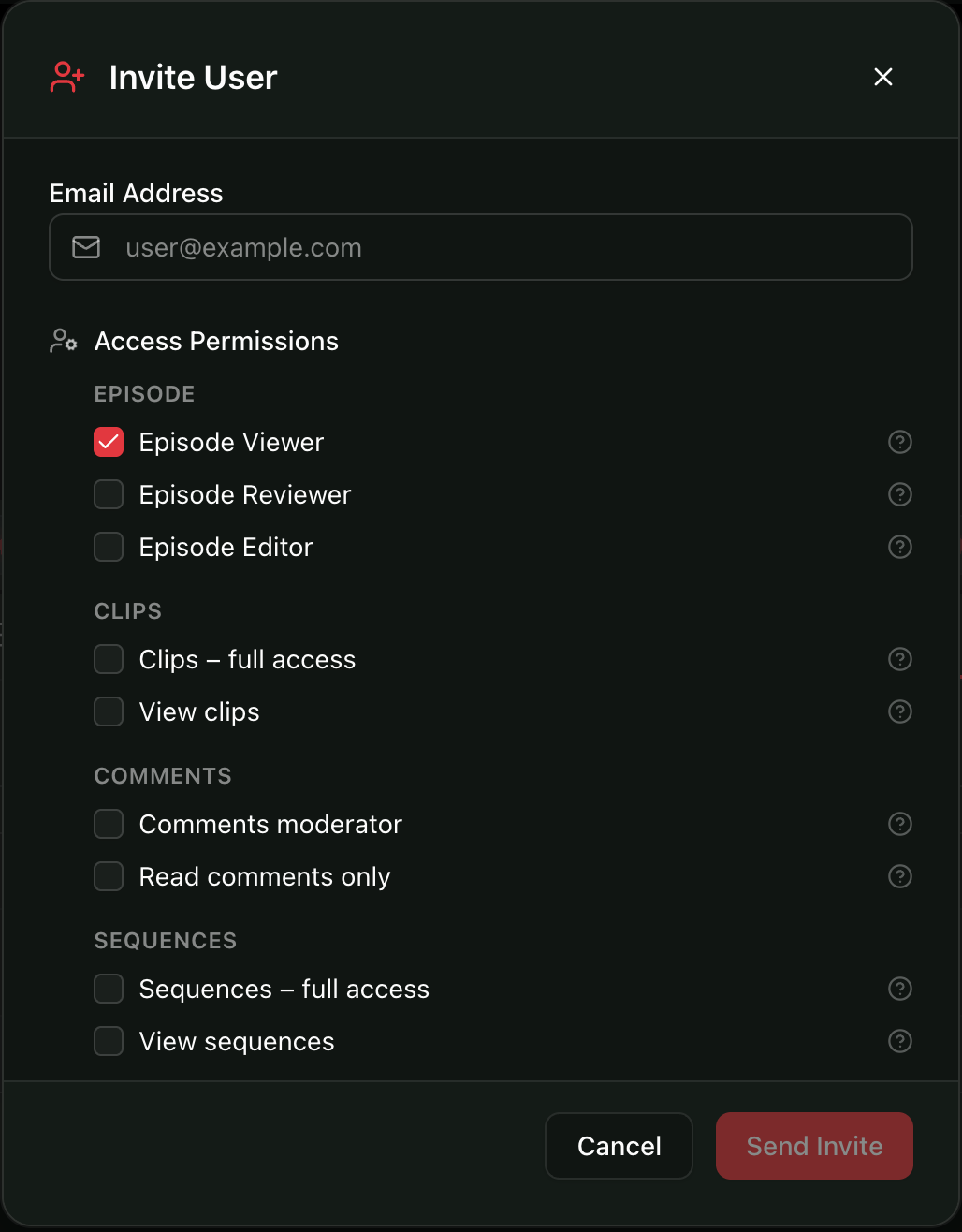
Share the transcript so others can pick clips.
Share with clients, friends, or colleagues so they can highlight their favourite clip-worthy sections. You then generate those sections into clips—without them seeing the full menus or that you've used AI.
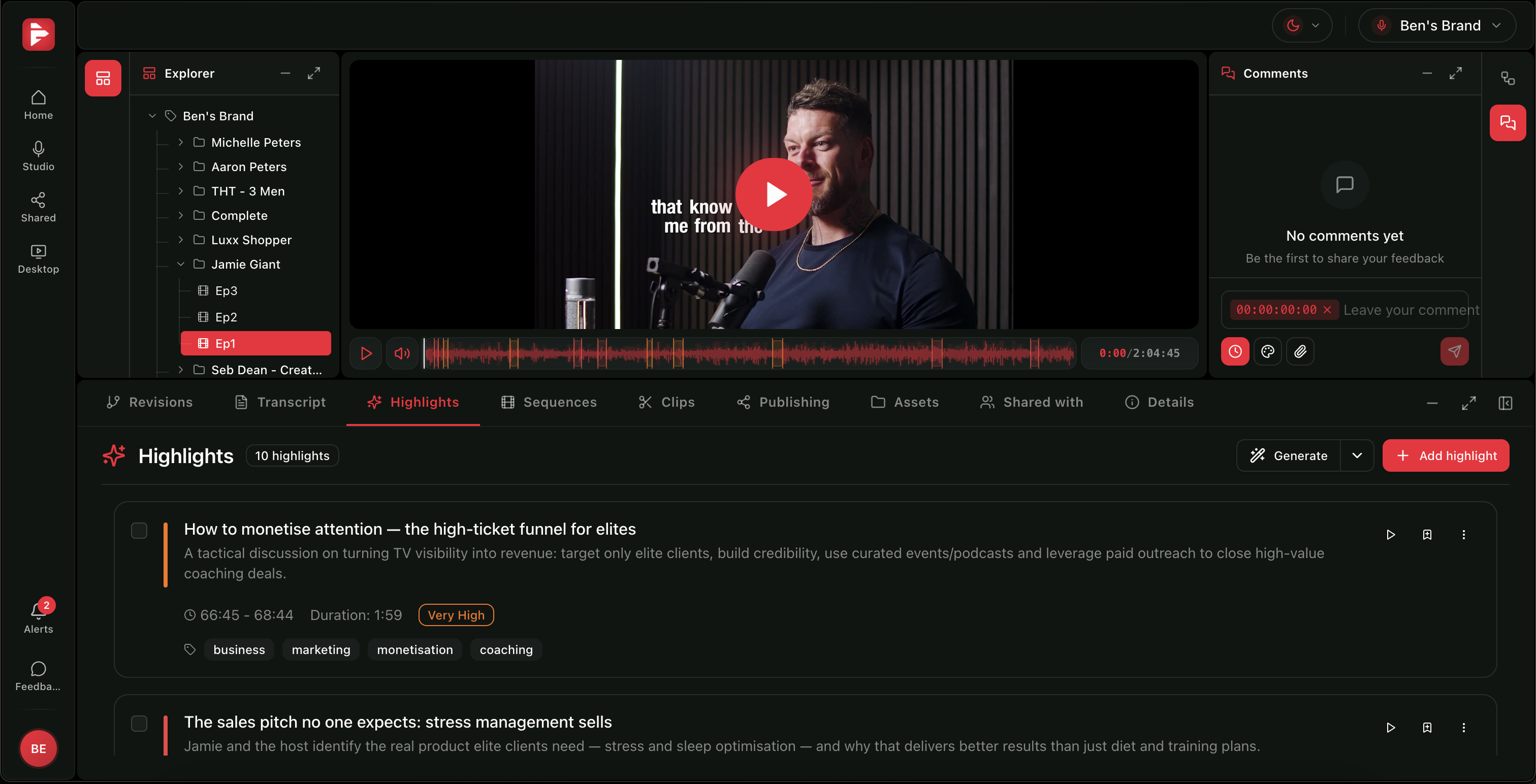
Find the best moments without watching the whole thing.
AI finds the gold in your long-form content. You approve and publish.
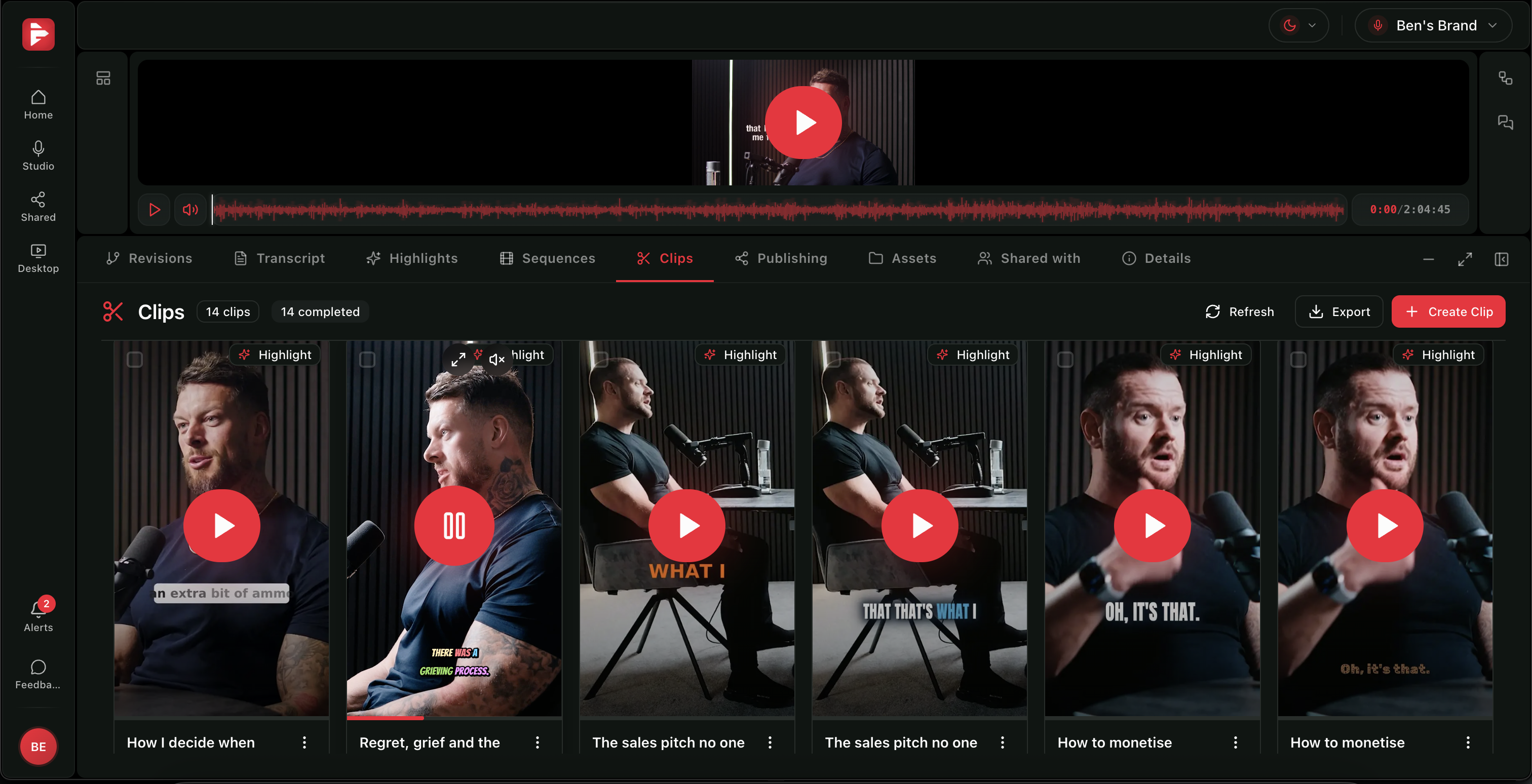
Captions ready for every clip.
Generate and fine-tune captions across all your clips from one control panel, before you publish or schedule.
PodCut brings together your podcast workflow, in one place.
See every clip at a glance.
Review and manage all your clips from one place before sending them to scheduling or export.
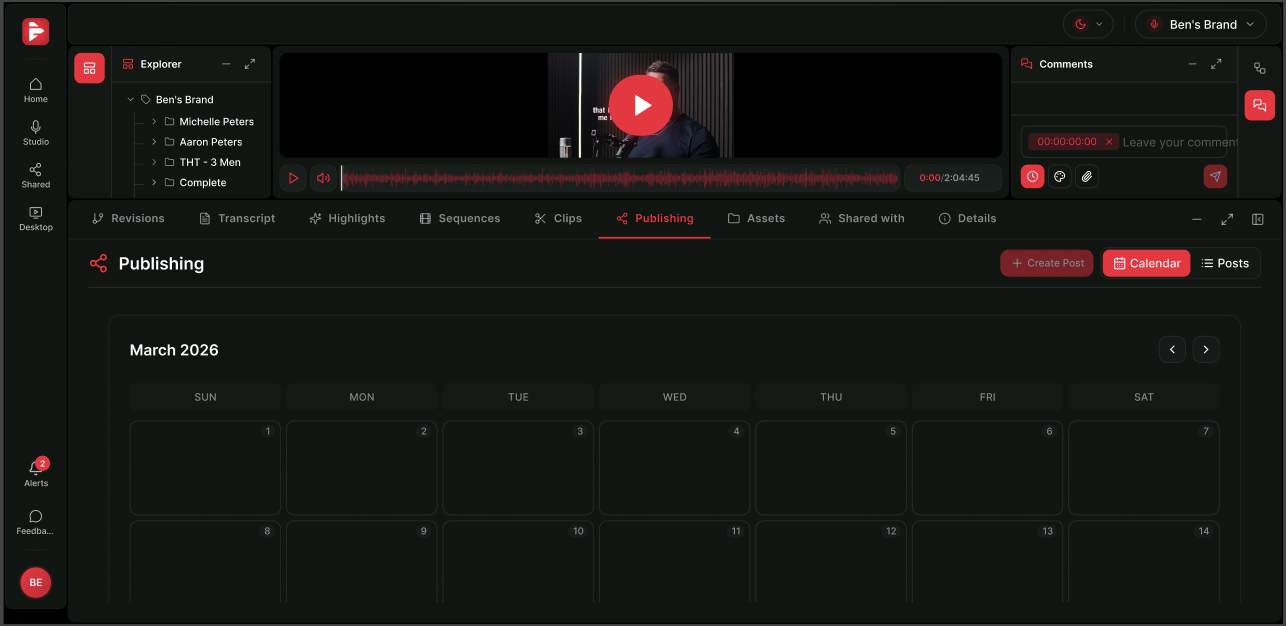
Scheduling built around your content.
Plan and schedule posts for every platform from the same workflow, so clips go live when and where they should.
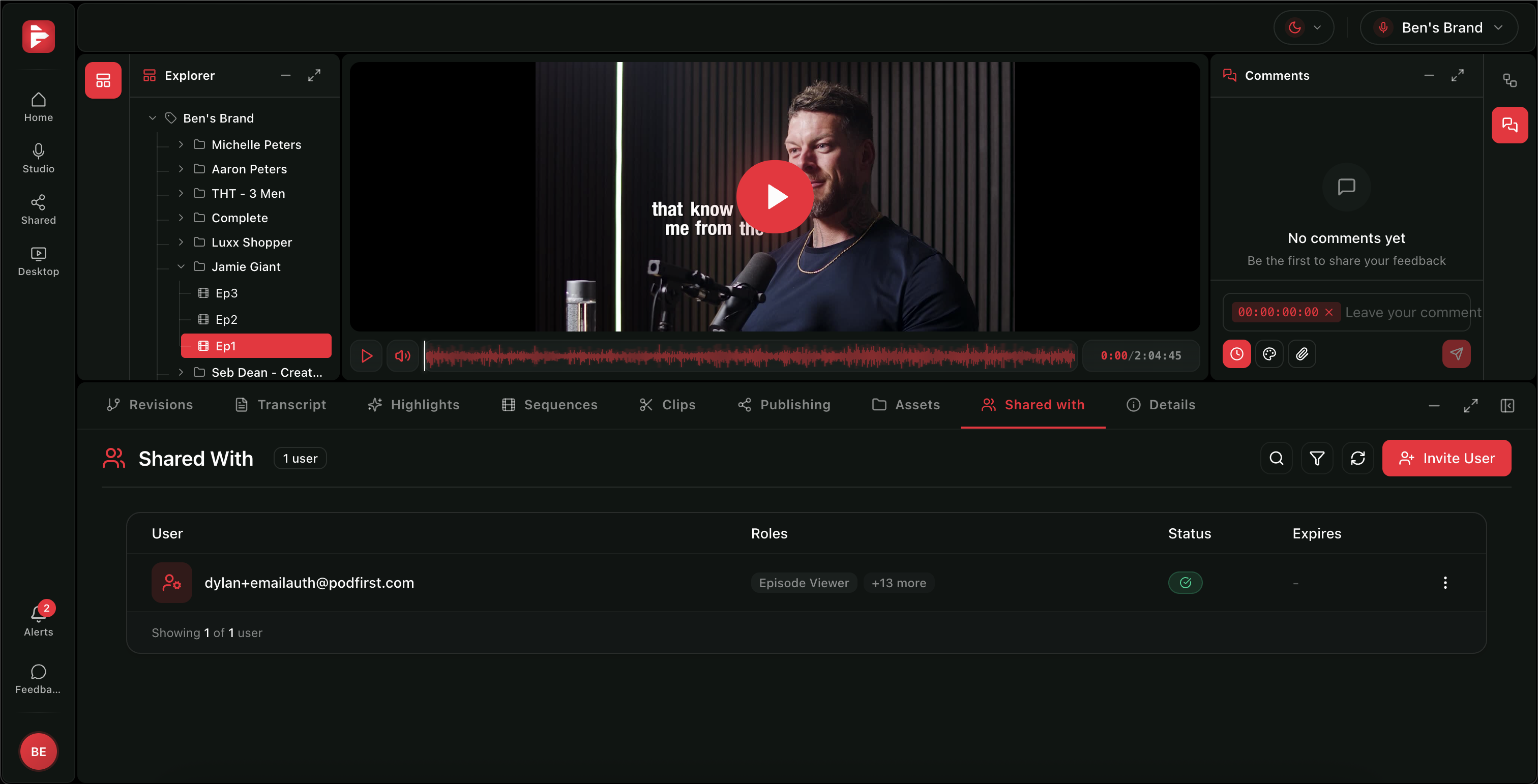
Share with your team or clients.
Share and collaborate with your team or clients from the same workflow, so everyone stays in the loop.
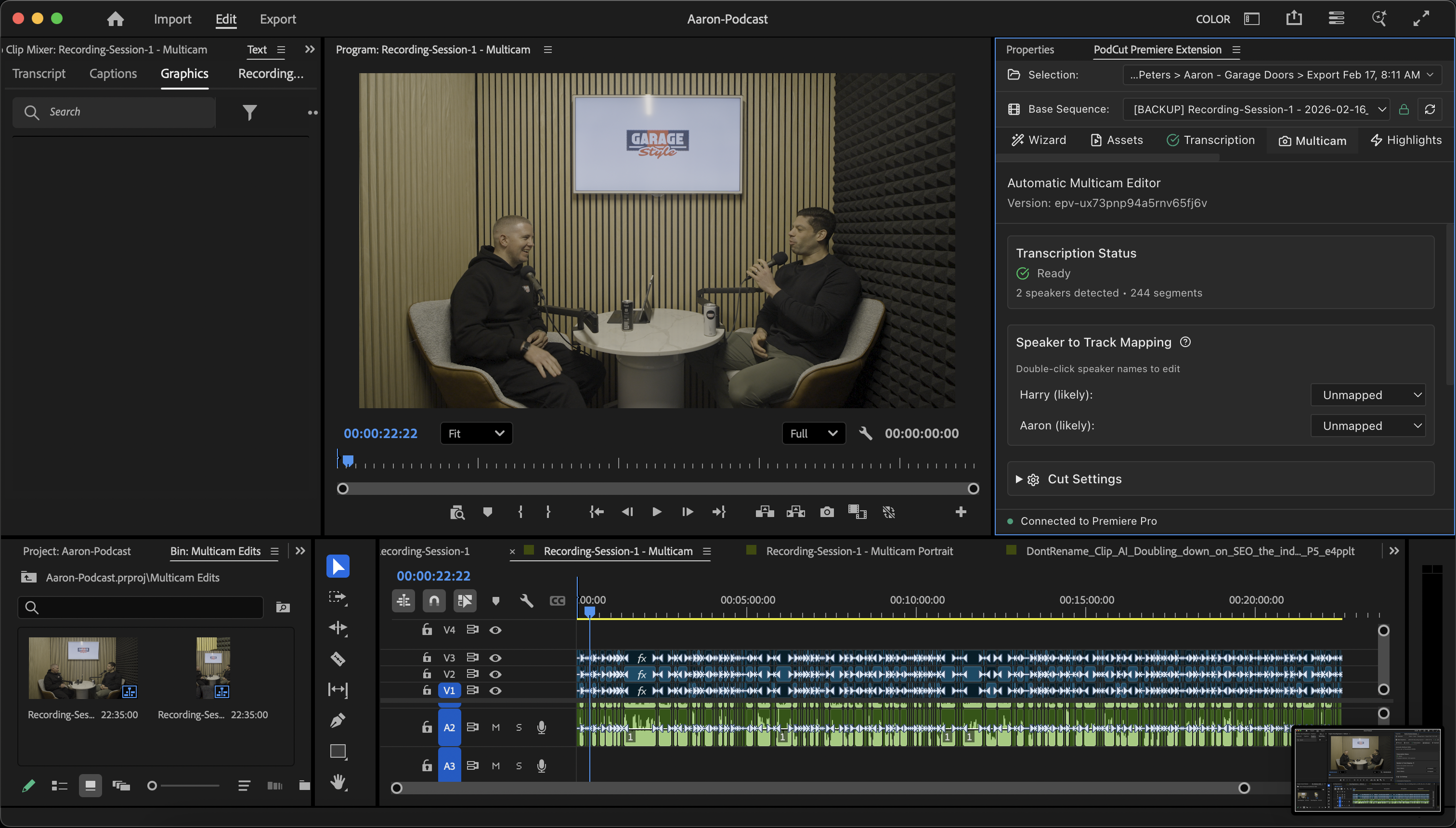
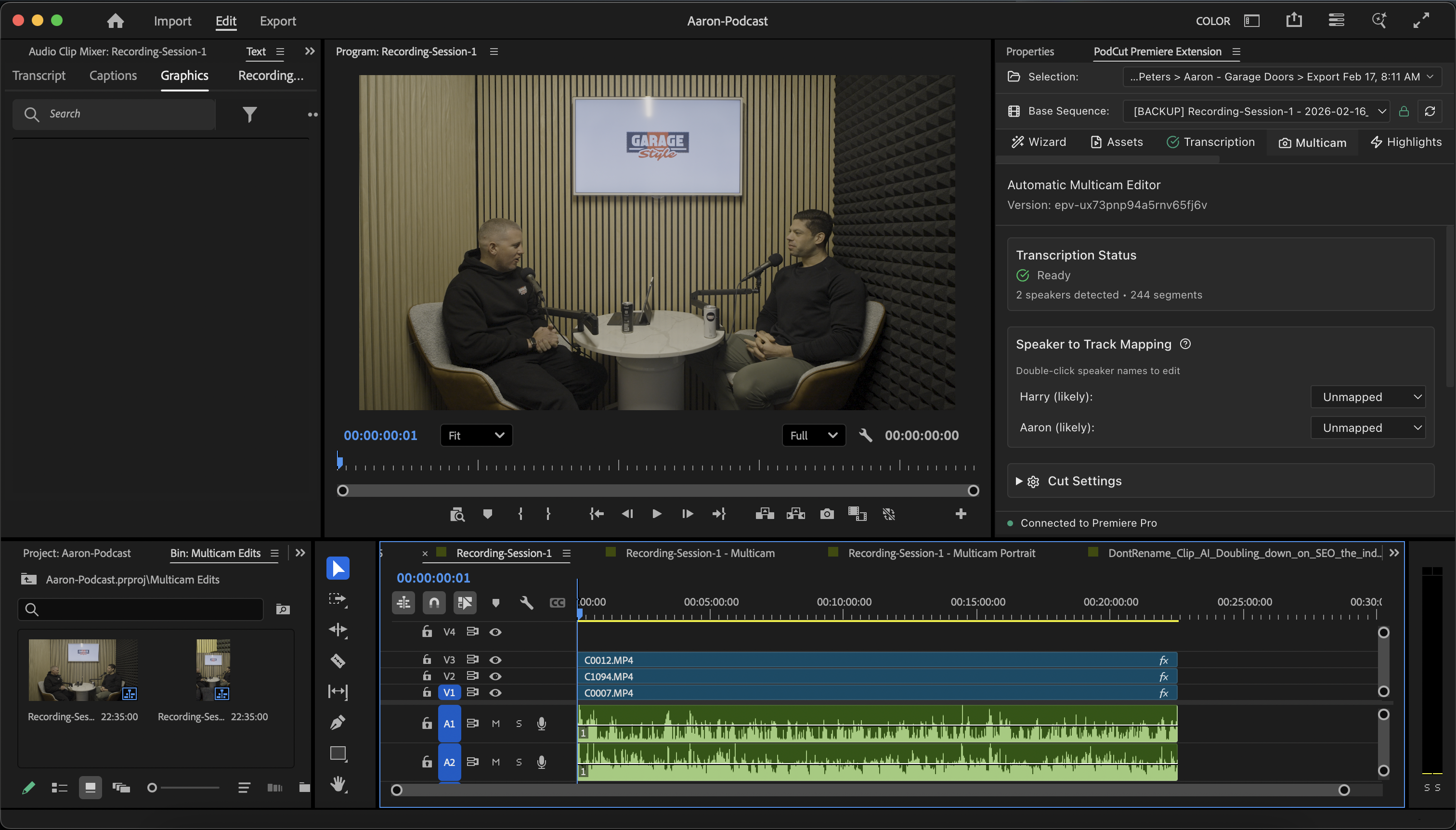
Works inside Premiere Pro.
Use the PodCut extension directly in Adobe Premiere Pro. Edit, export, and upload back—without switching apps.
After clipping, choose your next step — advanced editing in Premiere Pro, or stay in PodCut to finish everything from one place.
Edit in Premiere Pro
Use the extension, then export and upload back to PodCut.
Open in PremiereFinish in PodCut
Add captions and subtitles, write social media copy and hashtags, then schedule and publish to all your platforms — all from one place.
Open PodCutUpload
Raw files
Transcribe
AI transcription
Highlight
Best moments
Either Ai or Manually Generated Highlights
Clip
AI-generated
Caption
Auto-styled
Edit
Premiere Pro
Publish
All platforms
Frequently Asked Questions
Everything you need to know about using PodCut, from setup to security. Still curious? Drop us a message and we'll get right back to you.
Be the first to try PodCut.
We're opening up early access to creators who are tired of stitching together five different tools.